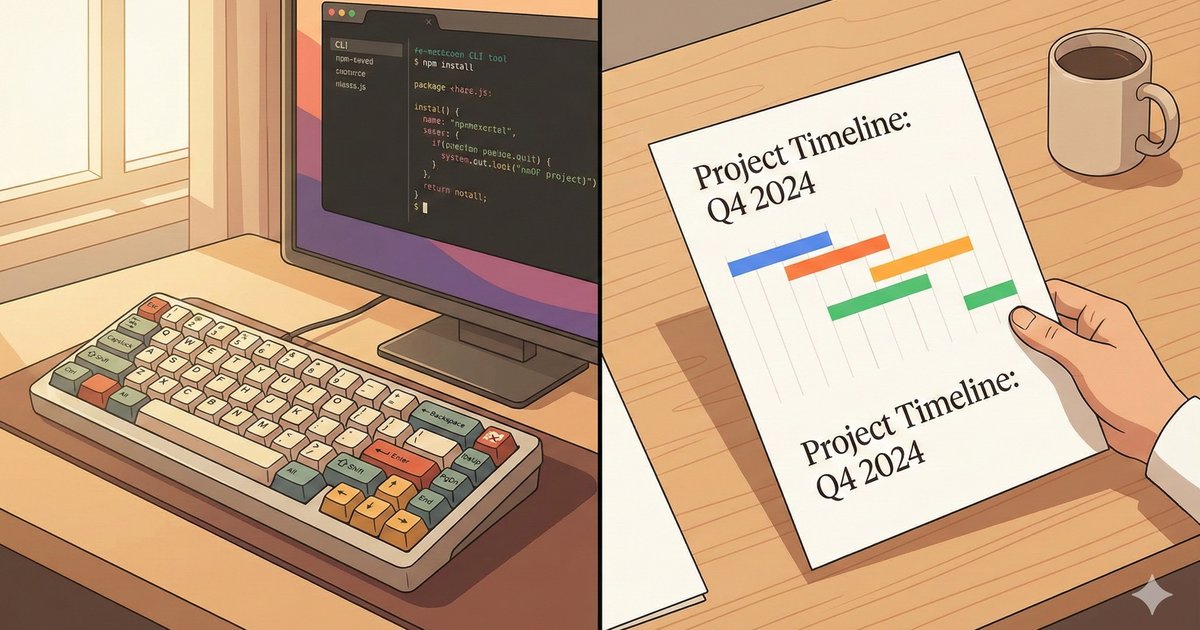
In the past couple of months, I’ve been experimenting with using agentic coding tools like Claude Code for “non-code” activities; Strategic planning, writing user stories, drafting technical documentation, and even planning meals (for picky kids) and weekly grocery shopping at home.
This “agent as coworker” model has been further validated by the recent release of Claude Cowork, which highlights how the interaction model with AI agents is evolving quickly.
The “Local Context” Advantage
One reason I’ve found tools like Claude Code (CLI) to be far superior for this work compared to web-based alternatives like Claude Projects or Gemini Gems is the power of the local folder workspace.
In a web interface, maintaining context is fiddly. You have to upload files, manage a distinct “knowledge base,” and hope the model references the right things. In a local workflow, you have a “ground truth” - your file system.
- Drop-and-Go: You can just drop relevant files (PDFs, images, text) into a folder.
- Easy Edits: You can use IDEs and familiar tools like VS Code to edit the files.
- Clean Context: Each task can be a new context (potentially leveraging summarised file output from a previous session), ensuring the model isn’t confused by large or stale context.
- Directed Exploration: You can point the agent to specific areas of interest (
/docs/my-file.md,/strategy) and it can self-direct, exploring the file structure autonomously to find what it needs.
It matches how we actually work: dynamic, file-centric, and iterative.
The Friction Point
There was one major friction point in this workflow - sharing output.
Agents and LLMs love Markdown. It’s the standard for their reasoning and output. While Markdown is readable for us tech folks, it’s a stumbling block for non-technical stakeholders.
- My partner doesn’t want a Markdown table for the weekly meal plan; she wants a readable document.
- My business stakeholders don’t want to decipher raw MermaidJS text to understand a strategy diagram; they want to see the visual chart.
I needed a way to bridge this gap without leaving my terminal workflow. I wanted to turn these “agent artifacts” into professional, well-typeset, shareable documents (PDFs) instantly.
The Solution
To solve this, (Claude and) I created a utility called mdtype.
mdtype is a simple CLI tool that converts Markdown files into polished, styled PDFs. It works by transpiling your Markdown into Typst source code. Typst is a modern, open-source typesetting system, a faster, more approachable alternative to LaTeX that produces great looking print documents. mdtype handles the complexity of this conversion (including rendering Mermaid diagrams) so you just get a nice looking document.
- Mermaid Diagrams: It automatically renders Mermaid code blocks into visual diagrams within the PDF.
- Styling: It applies clean, readable styling so the document looks professional by default. It has heuristics about page breaking and layout that work “most of the time”.
- Shareability: It produces a universally readable PDF that I can send to anyone—no “markdown viewer” required.
The New Workflow
Now, my workflow looks like this:
- Agent Phase: I work with the agent in the terminal to generate an output document for the task. “Create a roadmap for the next 12 months in
2026-roadmap.mdincluding a mermaid gantt chart.” - Conversion Phase: I run
mdtype 2026-roadmap.md 2026-roadmap.pdf. - Sharing Phase: I send
2026-roadmap.pdfto the stakeholders.
The value here isn’t just in using the LLM, but in having a complete pipeline from “messy thought” to “shareable artifact”. The agent helps structure the thinking, and mdtype ensures the output is respectful of the reader’s time and attention.
If you’re finding yourself copy-pasting markdown into Google Docs or taking screenshots of Mermaid diagrams, give mdtype a try. It’s a small tool that solves a specific problem, letting you iterate quickly and stay in the terminal where the work happens.